
The Program
- The 'Dragon' program was developed for Professor Strichartz of the Cornell Department and Mathematics in Spring of 2001 by Theodore Kim and Scott Bailey. The program runs under Windows 98, 2000, or NT 4, and a 3D accelerator card is strongly recommended. If you are currently running a copy of Windows 95 purchased after 1997, there is a good chance that the program will still run.
Both the Windows program and the source code can be downloaded here:
The source code was written in C++ using Visual C++ 6, and uses the Win32 and OpenGL APIs. The VC6 workspace file is included in the download.
Using the Program
- The program consists of three windows.
- 1. The approximation window:
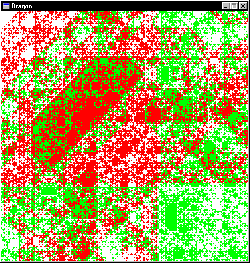
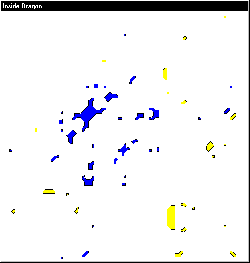
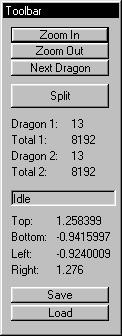
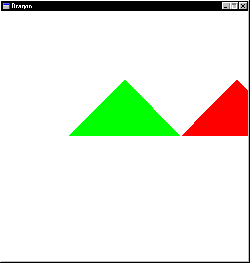
- When the program starts, there are only two triangles in the
approximation window, and the interior window is empty:

- The view can be changed by clicking and dragging the left mouse button within either window.
The triangle in green is the currently 'active' dragon. The active dragon can be split to its next level by pressing the 'Split' button on the toolbar. Clicking 'Next Dragon' on the toolbar will switch the 'active' dragon to the triangle on the right and clicking again will switch back.